“여름 분위기 끝판왕” 수영장 인생샷, AI로 1분 만에 만드는 노하우 3가지
“여름 분위기 끝판왕” 수영장 인생샷, AI로 1분 만에 만드는 노하우 3가지
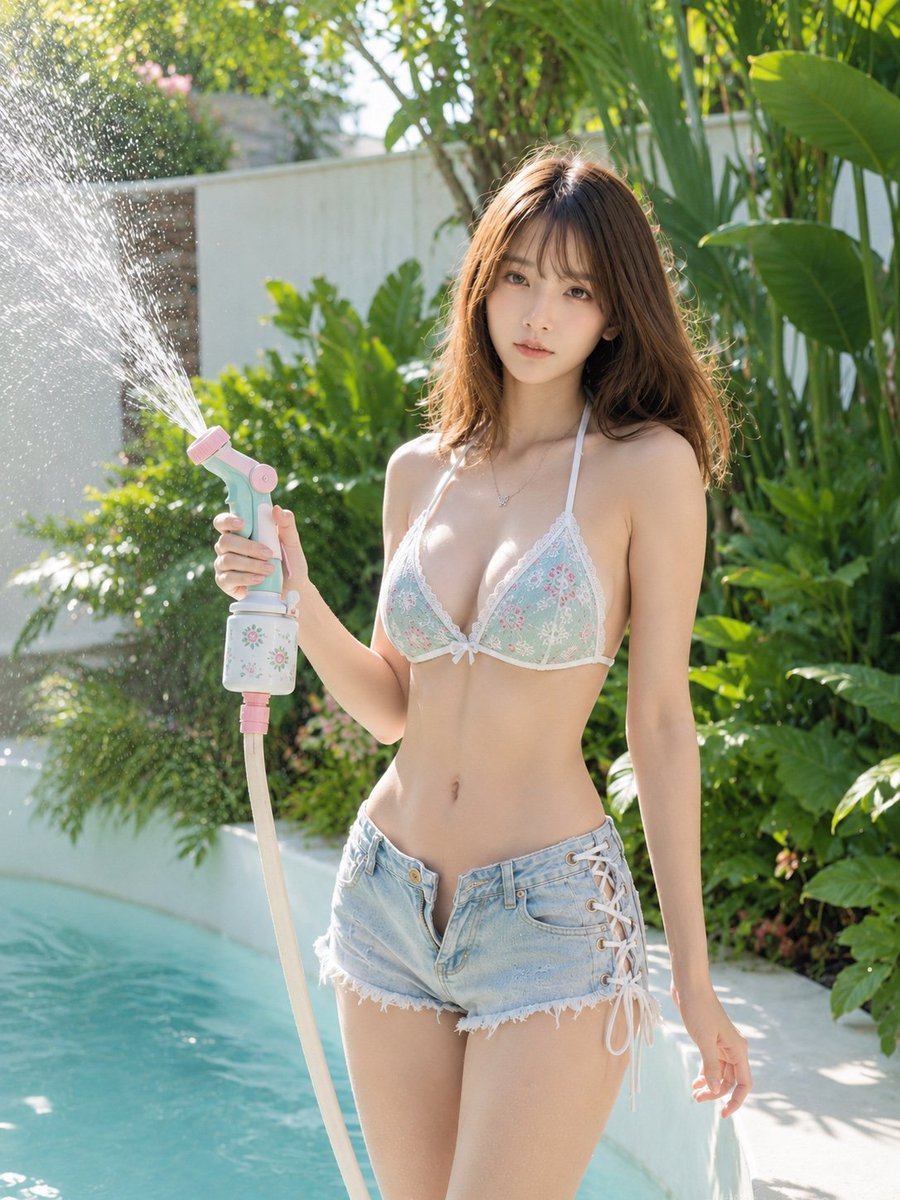
출처: 미상 · YouMind
여름의 청량함을 담은 수영장 사진은 언제나 소셜 미디어에서 반응이 뜨겁죠. 오늘은 YouMind에서 영감을 받아 GPT Image 2 모델로 누구나 쉽게 고퀄리티 여름 물놀이 사진을 생성할 수 있는 프롬프트 전략을 정리해 드립니다.
🎬 이런 스타일이란
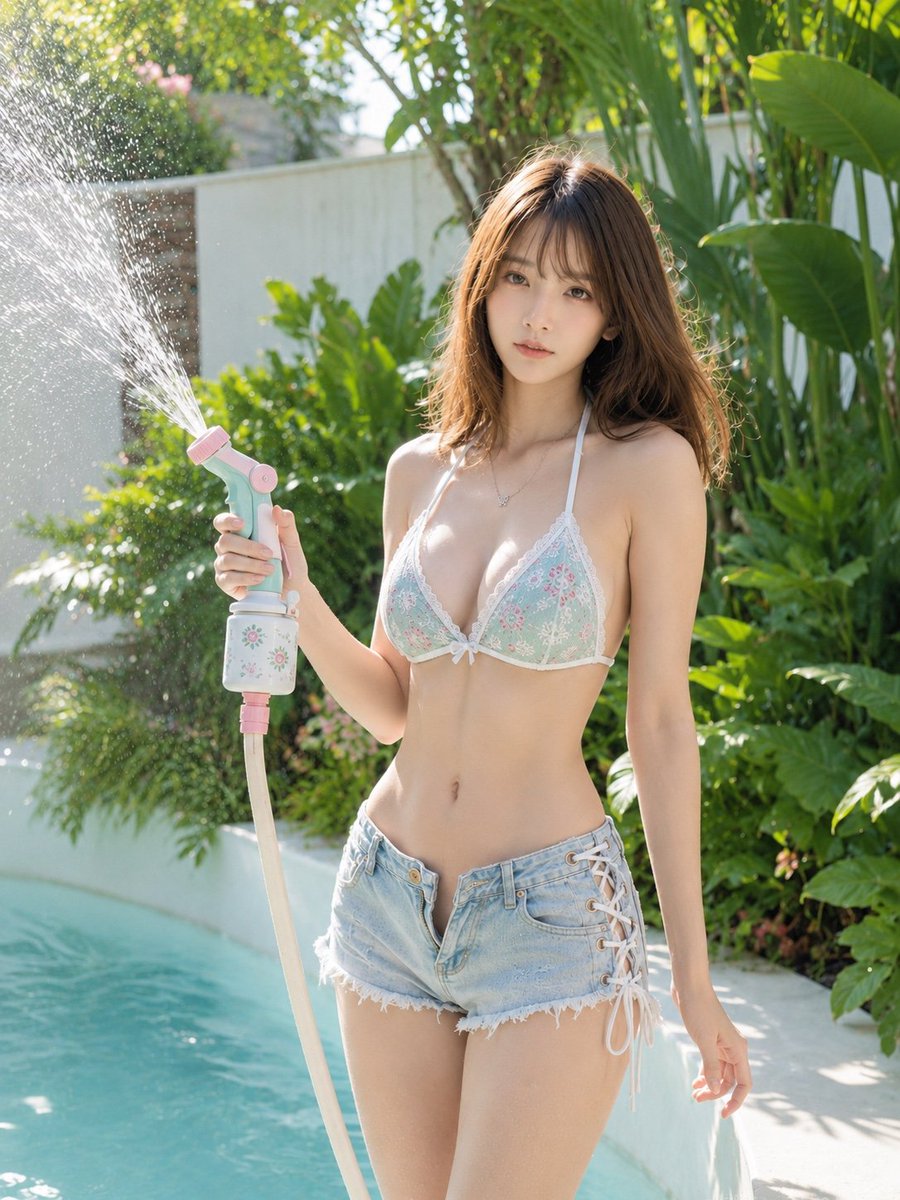
이번 스타일은 단순히 인물만 강조하는 것이 아니라, 수영장 특유의 투명한 물결, 피부에 맺힌 물방울의 디테일, 그리고 햇살이 반사되는 찰나의 순간을 포착한 ‘리얼리티 중심’의 사진입니다. 인위적인 느낌보다는 마치 실제 카메라로 촬영한 듯한 자연스러운 조명과 색감이 핵심입니다.
✍️ 프롬프트 접근법
고품질의 여름 인물 사진을 얻기 위해서는 다음 4가지 요소를 프롬프트에 반드시 포함해야 합니다.
- 피사체 디테일: 인물의 표정(웃음, 편안함)과 물놀이 복장, 젖은 머리카락의 질감을 구체적으로 묘사하세요.
- 조명과 반사: ‘Golden hour(골든 아워)’나 ‘Sunlight refraction(햇빛 굴절)’이라는 키워드를 넣어 물 표면의 반짝임을 극대화하세요.
- 카메라 설정: ’85mm lens’, ‘shallow depth of field(얕은 심도)’를 추가하면 배경이 부드럽게 흐려지며 인물이 더욱 돋보입니다.
- 색감 팔레트: ‘Vibrant turquoise water’, ‘Warm summer glow’와 같은 단어로 청량한 수영장 색감을 지정하세요.
[프롬프트 1: 청량한 오후의 햇살]
A high-quality portrait of a young woman laughing in a sparkling swimming pool, water droplets glistening on her skin, sun rays filtering through the water surface, turquoise water background, shot on 85mm lens, cinematic lighting, hyper-realistic, summer vacation vibe.
A high-quality portrait of a young woman laughing in a sparkling swimming pool, water droplets glistening on her skin, sun rays filtering through the water surface, turquoise water background, shot on 85mm lens, cinematic lighting, hyper-realistic, summer vacation vibe.
[프롬프트 2: 감성적인 클로즈업]
Close-up shot of a person enjoying a summer swim, wet hair, natural skin texture, soft bokeh of pool water in the background, bright natural daylight, vibrant blue tones, professional photography, sharp focus on eyes, 8k resolution.
Close-up shot of a person enjoying a summer swim, wet hair, natural skin texture, soft bokeh of pool water in the background, bright natural daylight, vibrant blue tones, professional photography, sharp focus on eyes, 8k resolution.
💡 활용 팁
- 배경 구체화: 단순히 ‘수영장’이라고 하기보다 ‘Luxury resort pool’ 또는 ‘Private villa pool’처럼 장소를 구체화하면 결과물의 퀄리티가 훨씬 고급스러워집니다.
- 물방울 효과: ‘Water droplets on skin’이라는 표현을 넣으면 피부의 질감이 훨씬 생생하게 표현되어 사진의 사실감이 높아집니다.
- 비율 조정: 인스타그램 게시용이라면 프롬프트 끝에 ‘–ar 4:5’를 추가하여 세로형 비율로 생성하는 것을 추천합니다.
#AI이미지 #프롬프트공유 #여름사진 #수영장인생샷 #GPTImage2 #AI사진제작 #여름감성