“여름 휴양지 인생샷, AI로 1분 만에 뽑는 비결 3가지”
“여름 휴양지 인생샷, AI로 1분 만에 뽑는 비결 3가지”
출처: 미상 · YouMind
여름 휴가철이 다가오면 누구나 한 번쯤 꿈꾸는 청량한 수영장 화보, 하지만 막상 촬영하려면 장소와 모델 섭외가 쉽지 않죠. 최근 YouMind에서 공유된 GPT Image 2 기반의 감각적인 휴양지 이미지를 보며, 어떻게 하면 AI로 이토록 사실적인 결과물을 얻을 수 있을지 그 노하우를 정리해 보았습니다.
🎬 이런 스타일이란
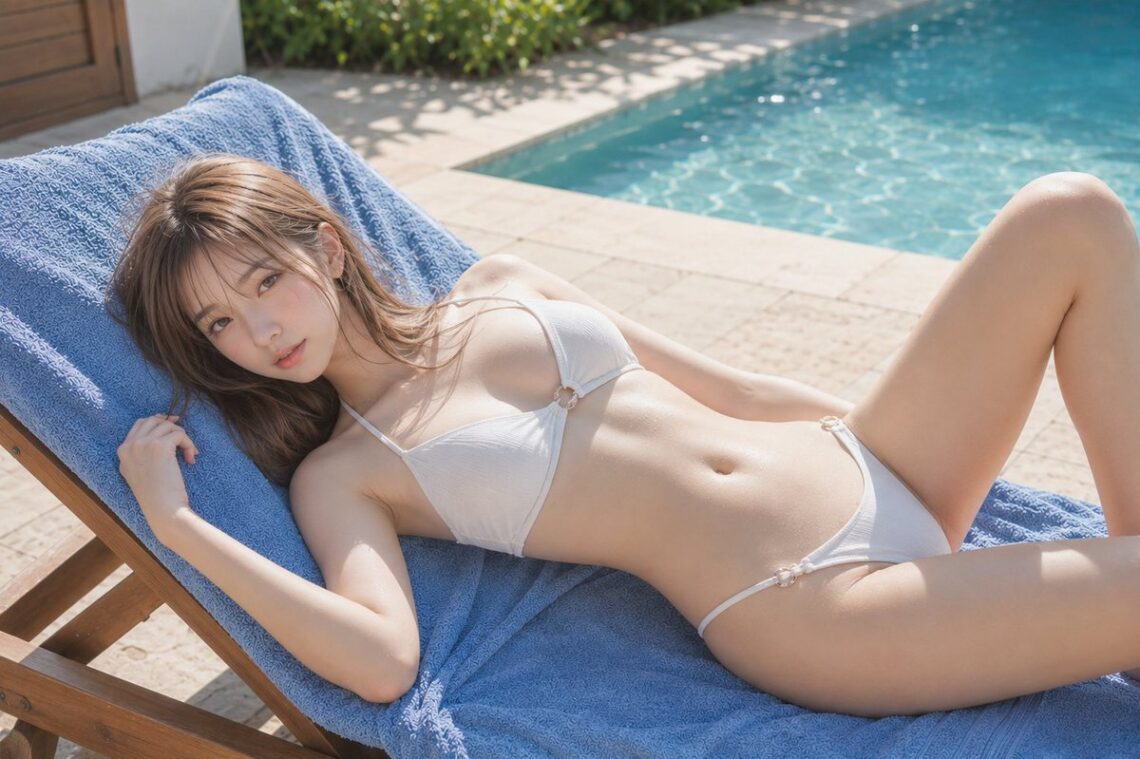
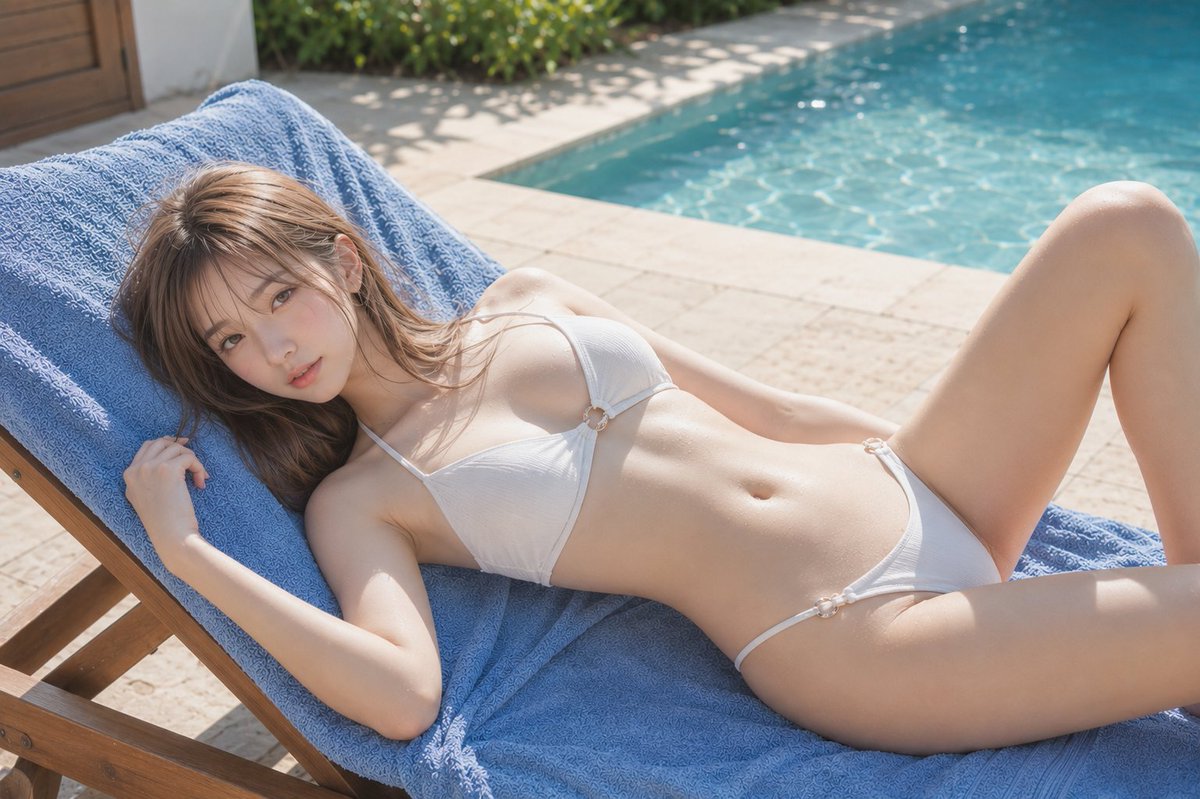
이번에 주목한 스타일은 인위적인 느낌을 덜어낸 ‘내추럴 리조트 룩’입니다. 강렬한 직사광선보다는 나뭇잎 사이로 비치는 부드러운 햇살(Dappled light)을 활용하고, 청록색 수영장과 대비되는 화이트 톤의 의상을 배치해 시각적인 청량감을 극대화한 것이 특징입니다. 광고 화보처럼 깔끔하면서도 일상적인 여유가 느껴지는 것이 핵심이죠.
✍️ 프롬프트 접근법
사실적인 인물 사진을 얻기 위해서는 단순히 ‘수영장’이라고 적기보다 구체적인 환경 요소를 층층이 쌓아야 합니다.
- 피사체와 의상: 인물의 포즈(휴식 중인, 책을 읽는 등)와 의상의 질감(린넨, 면 소재)을 명시하세요.
- 조명과 색감: ‘Golden hour’ 혹은 ‘Bright midday sun’을 설정하고, 청록색 물의 반사광이 인물 피부에 어떻게 닿을지 상상하며 ‘Soft skin reflection’을 추가합니다.
- 카메라 설정: ’85mm lens’, ‘f/1.8’과 같은 수치를 넣어 배경을 자연스럽게 흐리는 아웃포커싱 효과를 주면 훨씬 전문적인 사진처럼 보입니다.
[프롬프트 1: 여유로운 휴식]
A high-quality, realistic photo of a woman relaxing on a wooden sunbed by a turquoise swimming pool. She is wearing a simple white linen bikini. Soft sunlight filtering through palm tree leaves, casting dappled shadows. 85mm lens, cinematic lighting, high resolution, summer vacation aesthetic.
A high-quality, realistic photo of a woman relaxing on a wooden sunbed by a turquoise swimming pool. She is wearing a simple white linen bikini. Soft sunlight filtering through palm tree leaves, casting dappled shadows. 85mm lens, cinematic lighting, high resolution, summer vacation aesthetic.
[프롬프트 2: 청량한 여름 화보]
Full-body shot of a woman sitting on the edge of a luxury resort pool, dipping her feet in the water. Bright midday sun, vibrant turquoise water, white minimalist swimwear. Sharp focus on the subject, blurred lush tropical background, professional photography, clean composition.
Full-body shot of a woman sitting on the edge of a luxury resort pool, dipping her feet in the water. Bright midday sun, vibrant turquoise water, white minimalist swimwear. Sharp focus on the subject, blurred lush tropical background, professional photography, clean composition.
💡 활용 팁
첫째, ‘피부 질감’을 강조하고 싶다면 프롬프트 끝에 ‘highly detailed skin texture’를 추가해 보세요. 둘째, ‘계절감’을 더 살리고 싶다면 ‘warm breeze’나 ‘tropical atmosphere’ 같은 단어를 섞어주는 것만으로도 이미지의 온도가 달라집니다. 마지막으로, 결과물이 너무 밝다면 ‘polarizing filter’ 효과를 적용해 색감을 조금 더 묵직하게 잡아보세요.
#AI이미지 #GPTImage2 #여름휴가 #수영장화보 #AI프롬프트 #인물사진 #쇼룸잉